From Technical Builder to Business Collaboration
Designing a shared canvas where business teams map out
their process before IT builds it.
About
Opus is an enterprise platform where companies automate their business processes with AI.
KYC for Financial Insitution
Activate Workflow


What can I help you with today?

The challenge
Business users knew their processes best, but they couldn't really take part
in building the workflows.
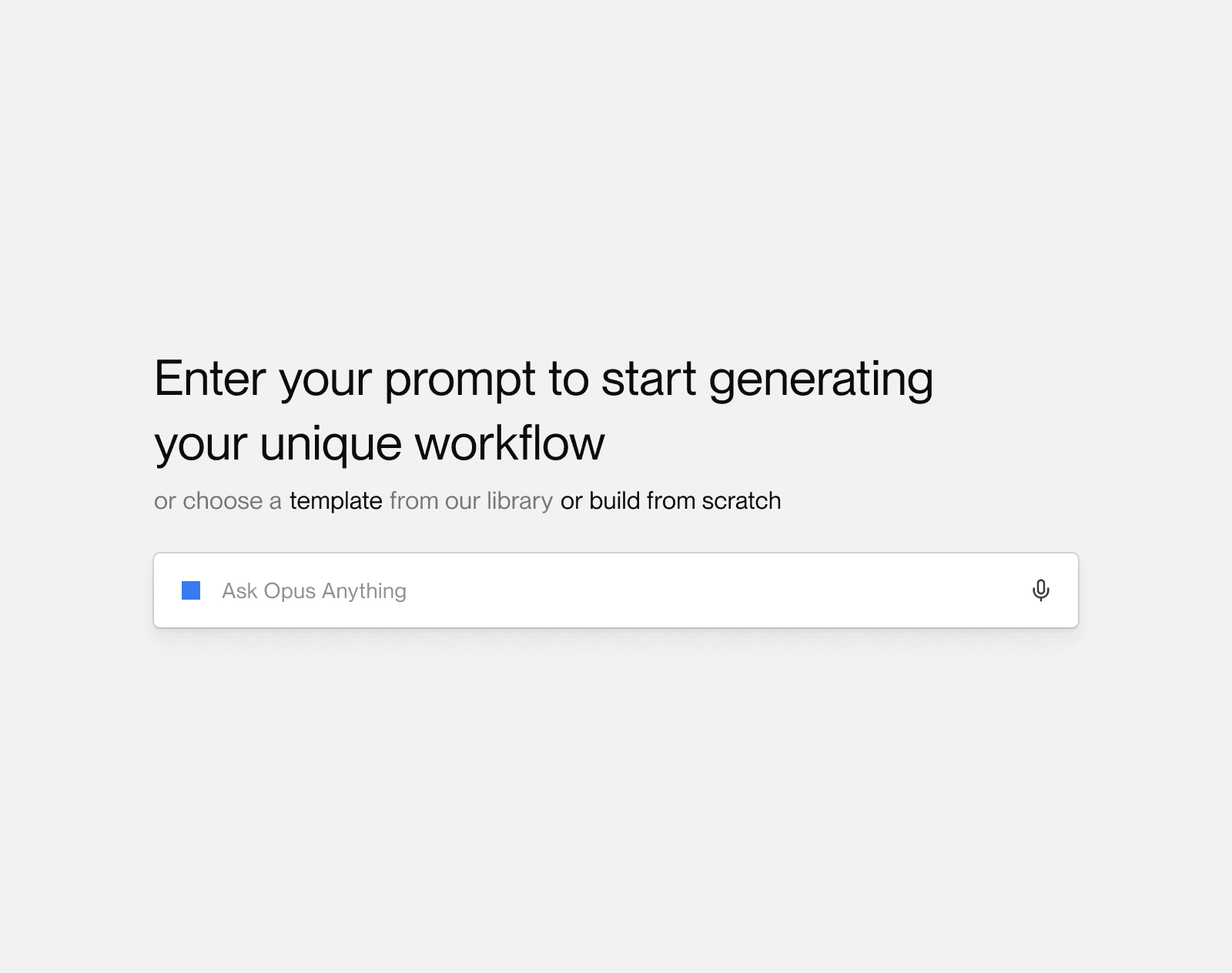


Key Insight
The real problem wasn't building workflows. It was that business intent got lost on the way to IT.
Business Owner
Express Business Intent
Lost Context
IT Teams
Technical Canvas
Workflow
By the time IT started building, most of the context was already gone.
Exploring different approaches
I used AI to prototype fast. The screens didn't need to be polished - I just needed something real enough to put in front of stakeholders, get their reactions, and try the next direction.
Exploration 1: Finding the right entry point


Exploration 2: AI's role in the experience


Instead of one-shot prompts, what if the AI explained itself first? It shares its plan, walks through its reasoning, and only then builds the workflow in front of you. When you can see how it thinks, you trust what it makes.
Exploration 3: The builder was never designed for business users.
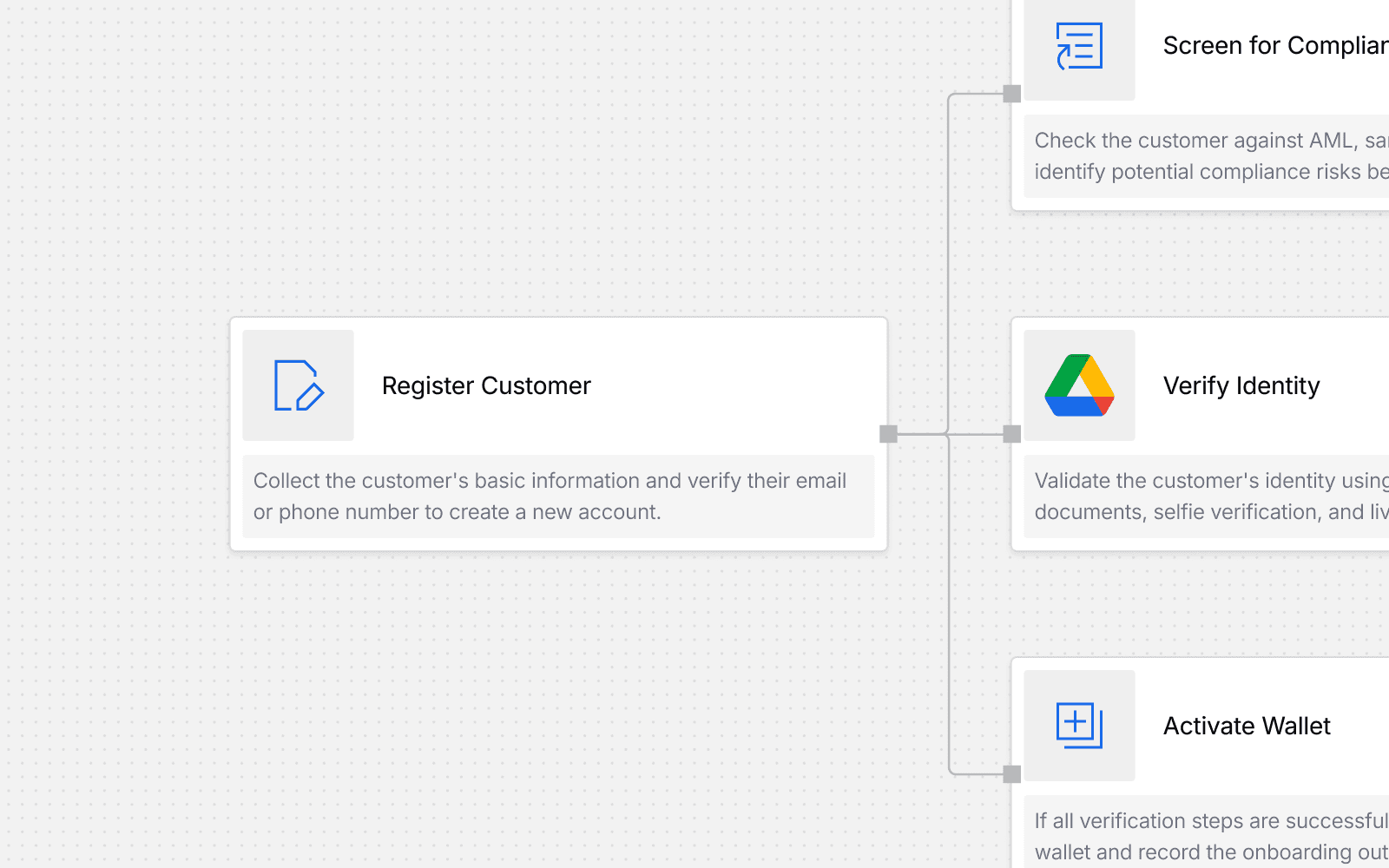

The wrong question
My first instinct was simple: make the Technical Canvas easier to learn. Lower the barrier for business users, keep the power for IT.
Improve Technical Canvas
Didn’t solve collaboration
Improve AI
Didn’t solve trust or accuracy
Talking to Product, Sales, and Delivery changed my mind. Customers didn't want an easier version of the builder, they wanted to skip the technical thinking completely and just explain how their process works. My "simpler canvas" idea solved neither side: IT loses flexibility, business users still have to think like engineers.
Reframing the problem
Instead of asking how we could simplify workflow implementation, we asked:
What if business users could define the process first, and implementation came after?
Before
After
Start with implementation
Start with business intent
Think in triggers & variables
Think in goals & processes
Business → IT handoff
Business + IT collaboration
Introducing Business Canvas
Business Canvas is where business owners define their process together, before any technical work starts.
HR Onboarding Process
I want to build an agent that extracts full name and nationality from files.
Worked for 5 sec
Good afternoon, Aidar I'm Opus. Today we're going to discover your HR Onboarding Process together.
You know how this process actually works in your team, and I'm here to help turn that into a clear, working process so the repeatable parts can eventually run on their own.
Before I draft the steps — is there anything you've already got that shows how this process works? An SOP, a process map or flowchart, training docs, even a rough diagram or notes?

1
Attach process files

Recommended
2
Describe files first
3
Something else
Type your own answer
Share it and I'll use it to build a more accurate first draft.
Ask anything...


+2
15h
4/20 Approved Steps
Process Owner

John Doe
Approve Steps

Discover the process before building it


Bring the right people into the process

One person can't describe the whole process, so each step is assigned to the person who does it in real life. They fill in the details the AI couldn't know, and sign off when the step looks right.
Finalize the business process

When every step is approved, the Business Canvas turns into the Technical Canvas. This is where the lost-context problem disappears, IT starts from the process everyone already agreed on, not from a retelling of it.
Why this is better?
Before
After
Prompt → Workflow
Conversation → Business Steps
One person
Multiple stakeholders
Technical-first
Business-first
Manual fixes
Validated before implementation
Outcome
Building a workflow no longer starts with IT. It starts as a business conversation, and the technical part comes last.
Business users don't have to think like engineers anymore.
The AI runs discovery, it interviews, drafts, and checks, instead of one-shot generating.
Every step is approved by its real owner before IT ever sees it.
The Technical Canvas is now the last step, not the first.